The United States and China Are Not Running the Same AI Race
skip render: ucaddon_dual_color_heading Why AI is So Affordable Right Now Construction AI Lab helps busy construction professionals stay ahead of



Construction AI Lab is a sudyco® initiative focused on understanding how AI is actually showing up across the construction industry—what’s being used, what’s working, what’s not, and what’s coming next.
Experiments in Estimating
How to Use AI to Help You Estimate Your Jobs for Free
Dear Sue,
'I’m an estimator and I keep hearing that AI can help speed up the bid process. But every time I look into it somone is trying to sell me a $500-a-month platform. I don’t have the budget or the patience for that. Is there a way to actually use AI for estimating work without buying new software?
—Estimator in the Weeds
Dear Estimator in the Weeds,
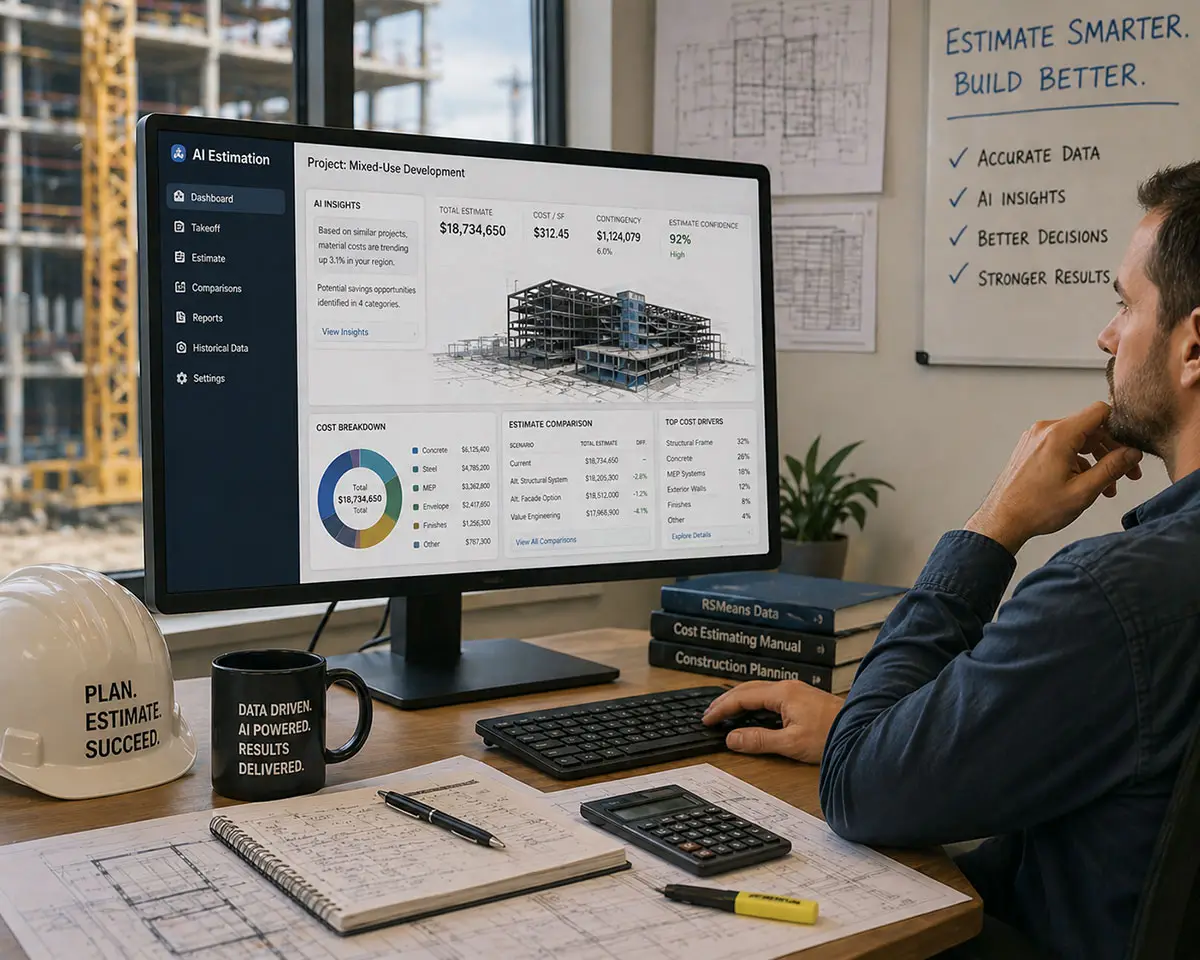
You’re not wrong to be skeptical, and you’re not alone. In Issue #1 I answered a reader who was being pitched AI estimating software and wanted to know if it was worth buying. My answer was: not yet. Most of what’s being sold is built on top of the same AI you can already access for free — or close to it. This issue is the follow-up. Here’s exactly how to use what you already have.
ChatGPT and Claude are general-purpose AI tools. They are not built specifically for construction, but that doesn’t matter for this particular use case. What you’re doing here is document review — reading bid packages, sorting information, flagging risk, identifying what’s missing. Both tools handle that kind of work well, and both are free to try.
ChatGPT and Claude have free versions you can experiment with and you will want to toggle off the use of your data to train their model. If you want more security for your data, purchase the Business Plan for either LLM (an AI text generator such as ChatGPT or Claude) and you are contractually assured that they won’t use your data.

Here’s the experiment I want you to run.
What You’re Going to Do
You’re going to take a bid document you have in front of you right now — an invitation to bid, an addendum, a scope sheet, a spec excerpt — and paste it into ChatGPT or Claude along with the prompt below. The AI will organize it into a structured summary that tells you what the job scope is, what the requirements are, what looks risky, and what’s missing.
This takes about five minutes. The goal is not to have AI do your estimate. The goal is to use AI for the part of estimating that burns the most time: reading long documents, sorting information, catching the gaps.
The Prompt (An instruction you give to your LLM)
Copy everything in the blue box below and paste it into ChatGPT (chat.openai.com) or Claude (claude.ai). Then paste your bid document text underneath it and hit send.
Bid Scope and Risk Summary Prompt
Keep the summary concise, clear, and useful for a contractor or estimator.
Important rules:
If I paste multiple documents, combine them and note any conflicts.
What Good Output Looks Like
A good result will quickly show you what the scope is, what trades are involved, what deadlines matter, what looks risky, and what needs follow-up before you commit time to the bid. It will also give you a list of questions to resolve — the kind of things that usually surface at the pre-bid meeting or in a phone call with the GC.
It is not going to be perfect. You will read it and say “that’s not quite right” in a spot or two. That is normal and expected. Your job is not to accept the output — it’s to use it as a faster starting point than reading the whole document cold.
Make It Your Own
Start with the prompt exactly as written. The first time, your only job is to see what comes back.
Once you’ve run it once or twice, start adjusting. You might add a line about bonding or insurance requirements. You might include your company’s standard compliance checklist items, or flag specific trade scopes you always self-perform. Small additions like these take two minutes and make the output significantly more useful.
You can also get better results by sharing more of the actual project documents. Instead of pasting one excerpt, try pasting the full invitation to bid, the addendum, and the scope sheet in the same message. The prompt already tells the AI how to handle multiple documents — it will combine them and flag any conflicts.
When you find a version of the prompt that gives you a consistent, useful result — save it. That might be as simple as copying it into a Word document, a Notes file, or a running list on your desktop. You can also save it directly inside ChatGPT or Claude by keeping the conversation and reusing it later.That’s the beginning of your prompt library (a file you create on your computer). Every prompt you save is a tool you don’t have to rebuild next time.
Where Else This Works
One More Thing
I want to come back to what I said in Issue #1: you do not need to buy software to start applying AI in your estimating work. The tools you need are already available. What you need is a good prompt and a willingness to experiment.
AI is not something you learn from a manual. You learn it by using it. Run this experiment, see what you get, and adjust from there. You and the AI will figure out how to work together.
— Sue
sudyco®
Did this help you? Have a question? Or willing to share how you're using AI in the field? Let us know — and your question or story may be featured in a future issue of Construction AI Lab. Email: [email protected] | Subject line: Dear Sue
ABOUT THE AUTHOR
Sue Dyer is the founder of Construction AI Lab, where she shares simple, practical ways construction professionals can use AI to save time, reduce frustration, and run better projects. Contact: [email protected]